Back to courses
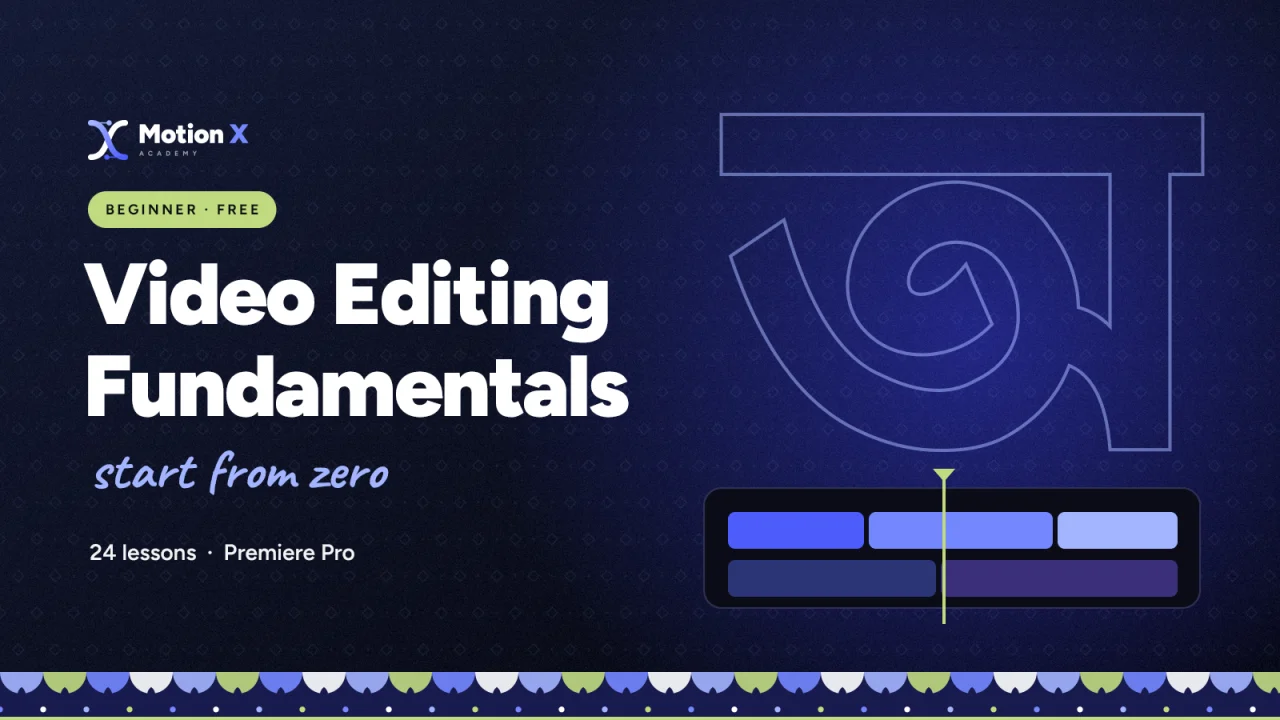
Video Editing Fundamentals
Certificate of completion 24 lessons 663 students

Learn Premiere Pro from zero and finish your first real edit.

Category
Video Editing
Format
Recorded, self-paced
Level
Beginner
Lessons
24 in 6 modules

You'll be able to

  • Set up projects and organise footage like a professional
  • Cut, trim and pace a story on the timeline
  • Clean up dialogue and balance music and sound effects
  • Add titles, transitions and simple motion
  • Correct colour and match shots
  • Export the right file for YouTube and social media

Tools you'll use

PrPremiere Pro

Start from the very beginning: the Premiere Pro workspace, clean cuts, audio, titles, colour and export. Every module ends with something you can show, and the course ends with your first complete edit.

THE FUNDAMENTALS FIELD GUIDE

A new chapter.
A better editor.

6 modules. 24 lessons.
Turn the page on your next skill.

CHAPTER 01 5 LESSONS

Getting started

Set up Premiere Pro, your projects and your footage the professional way.

  1. 01Welcome & how this course works
  2. 02The editor's mindset: story first
  3. 03Premiere Pro interface tour
  4. 04Project setup & folder structure
  5. 05Importing & organising media

Full lessons unlock with enrollment.
CHAPTER 02 5 LESSONS

Cutting basics

Cuts, trims and the edits that make a story flow.

  1. 01Sequences & the timeline
  2. 02Basic cuts & trimming
  3. 03Ripple, roll & slip edits
  4. 04J-cuts and L-cuts
  5. 05Shortcuts that save hours

Full lessons unlock with enrollment.

CHAPTER 03 4 LESSONS

Audio essentials

Clean dialogue, balanced music and sound effects.

  1. 01Audio levels & keyframes
  2. 02Cleaning dialogue with Essential Sound
  3. 03Music & sound effect basics
  4. 04Syncing external audio

Full lessons unlock with enrollment.

CHAPTER 04 4 LESSONS

Titles, transitions & motion

Text, transitions and your first keyframes.

  1. 01Titles & lower thirds
  2. 02Transitions that work
  3. 03Basic motion with keyframes
  4. 04Speed changes & freeze frames

Full lessons unlock with enrollment.

CHAPTER 05 3 LESSONS

Colour basics

Correct, match and give your footage a look.

  1. 01Lumetri basic correction
  2. 02Matching shots
  3. 03Using LUTs and simple looks

Full lessons unlock with enrollment.

CHAPTER 06 3 LESSONS

Export & your first project

Export for every platform and finish your first edit.

  1. 01Export settings for YouTube & social
  2. 02Project: edit a 60-second story
  3. 03Review, feedback & next steps

Full lessons unlock with enrollment.

Your craft, one chapter at a time. Explore the roadmap ↗

Before you enroll

Is this course right for you?

This is for you if…

  • You are opening an editor for the first time
  • You edit on your phone and want to move to Premiere Pro
  • You want a solid base before learning motion graphics

Not for you if…

  • You already edit full projects confidently — start with Intermediate

Ready to start Video Editing Fundamentals?

Free · 24 lessons

Ready for this course?

Check the curriculum and your current editing experience. Ask the team about lesson language, software version, hardware requirements and live class times before enrolling.

Ask a course question →